
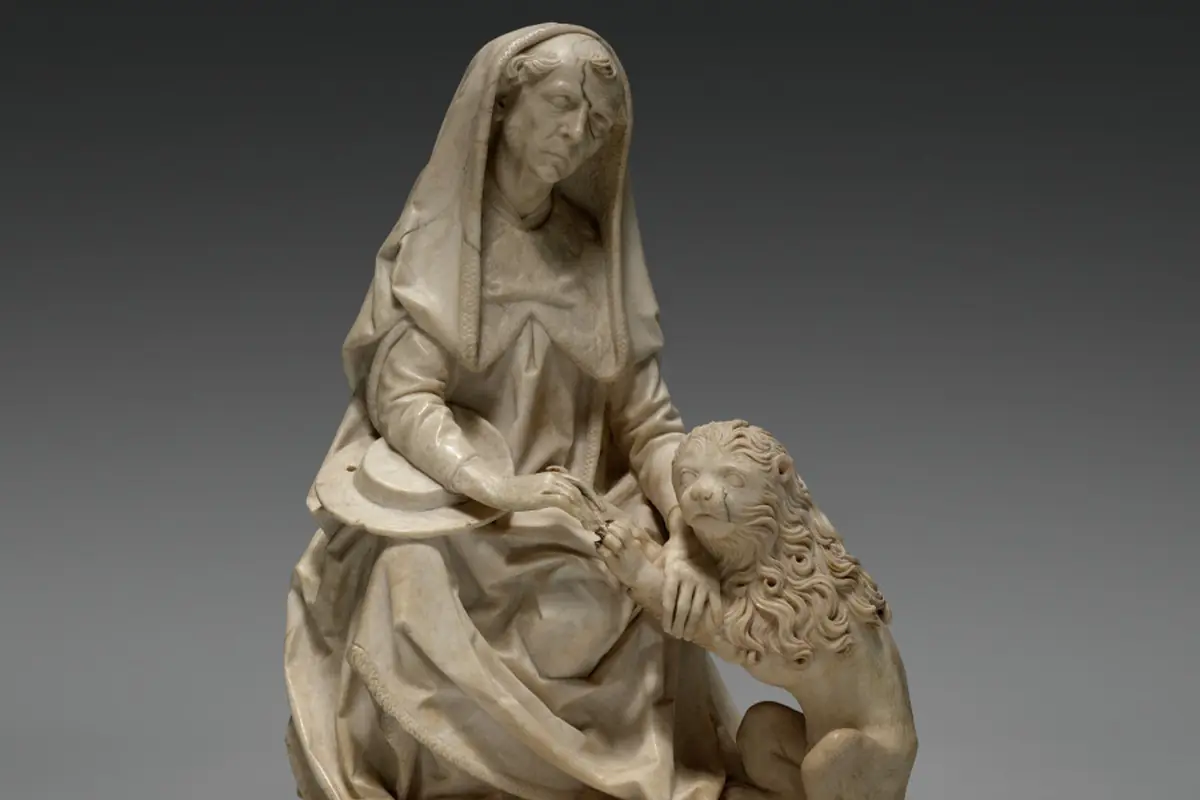
 Cleveland Museum of Art · CC0 1.0
One photo is enough
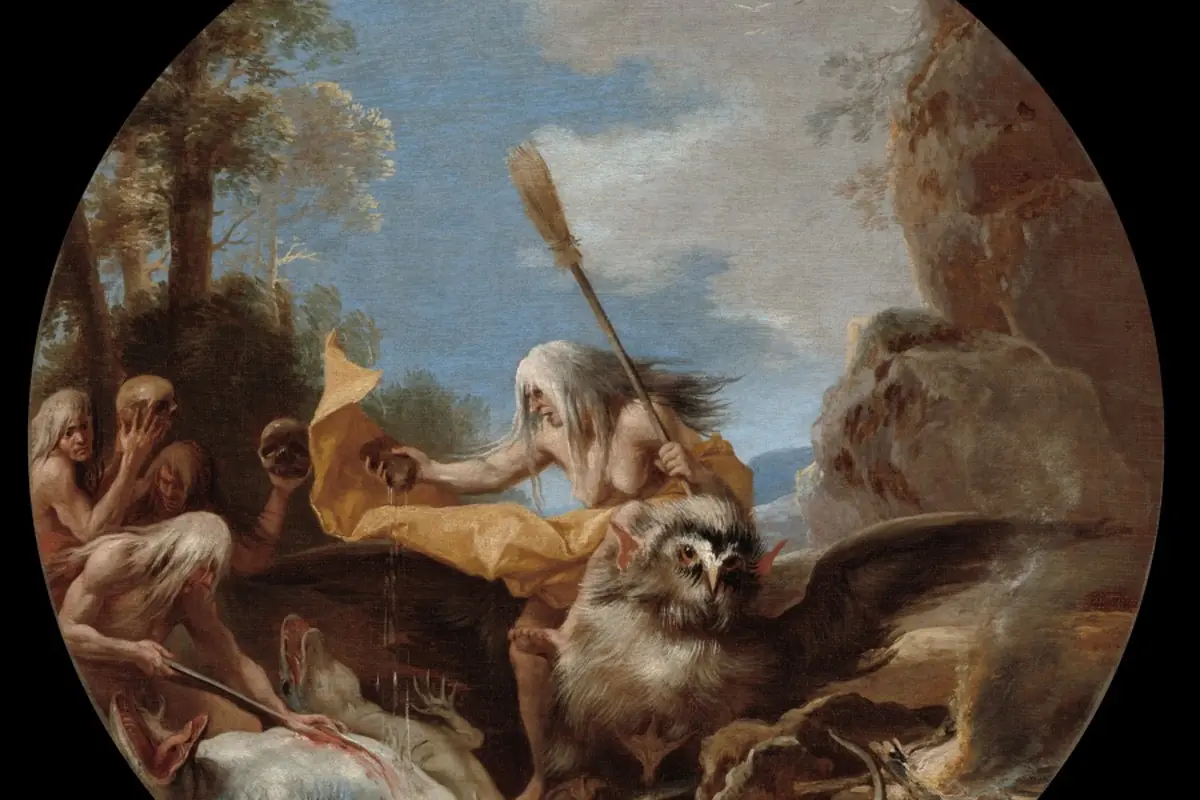
Image search compares a photograph with all those in the database. It works even when you know nothing about the work: a painting found in an attic, a statue offered in a listing, an object photographed at a sale.
Launched in 2019, it rests on a visual fingerprint: a digital signature of the image that remains recognisable despite cropping, changes of light and compression.
This page explains how to take a good photograph, how to read the results and what precautions to observe.
Image search in the BIOP in figures
Source: OIMAP Heritage Protection Department.
How the visual fingerprint works
The algorithm divides the image into zones, measures contrasts, dominant colours and outlines, then calculates a compact signature. This signature is compared with those of the records; the resemblance is expressed as a percentage.
The image sent is not kept by default: only its fingerprint is used for the comparison, then deleted. The user may choose to save it in their search record.
Taking a good photograph
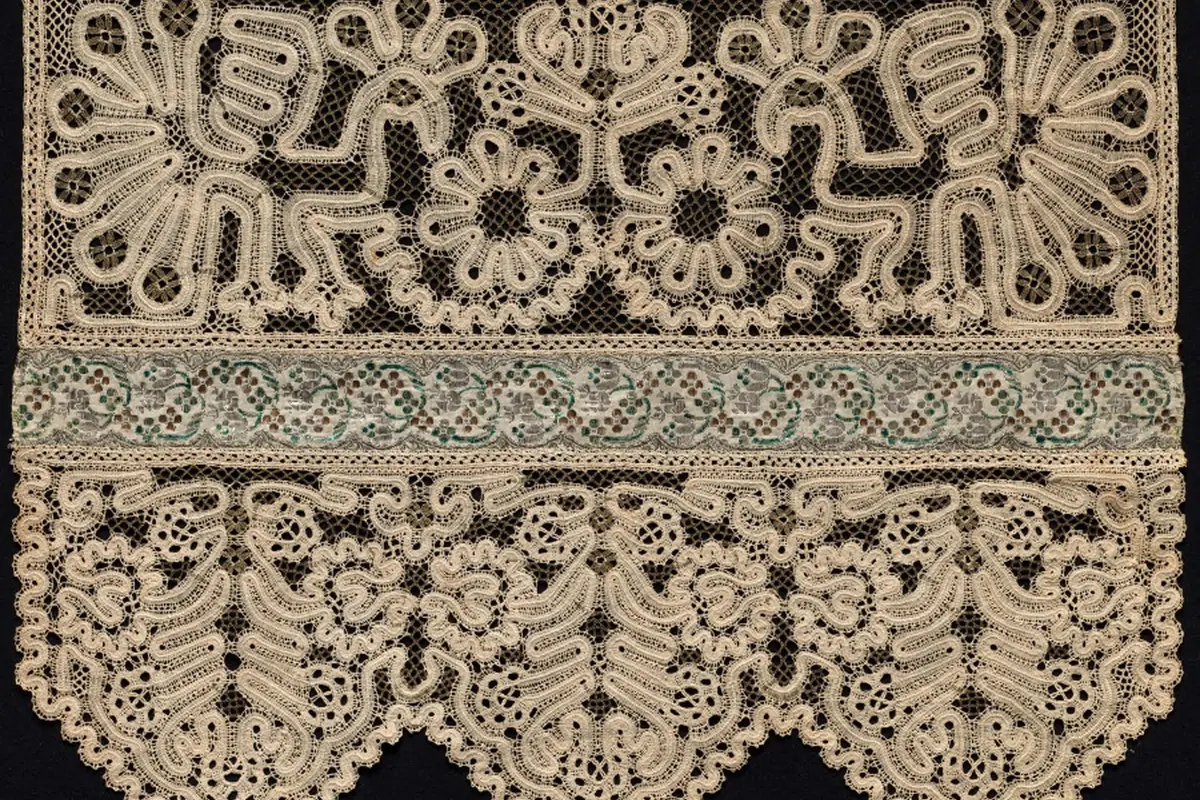
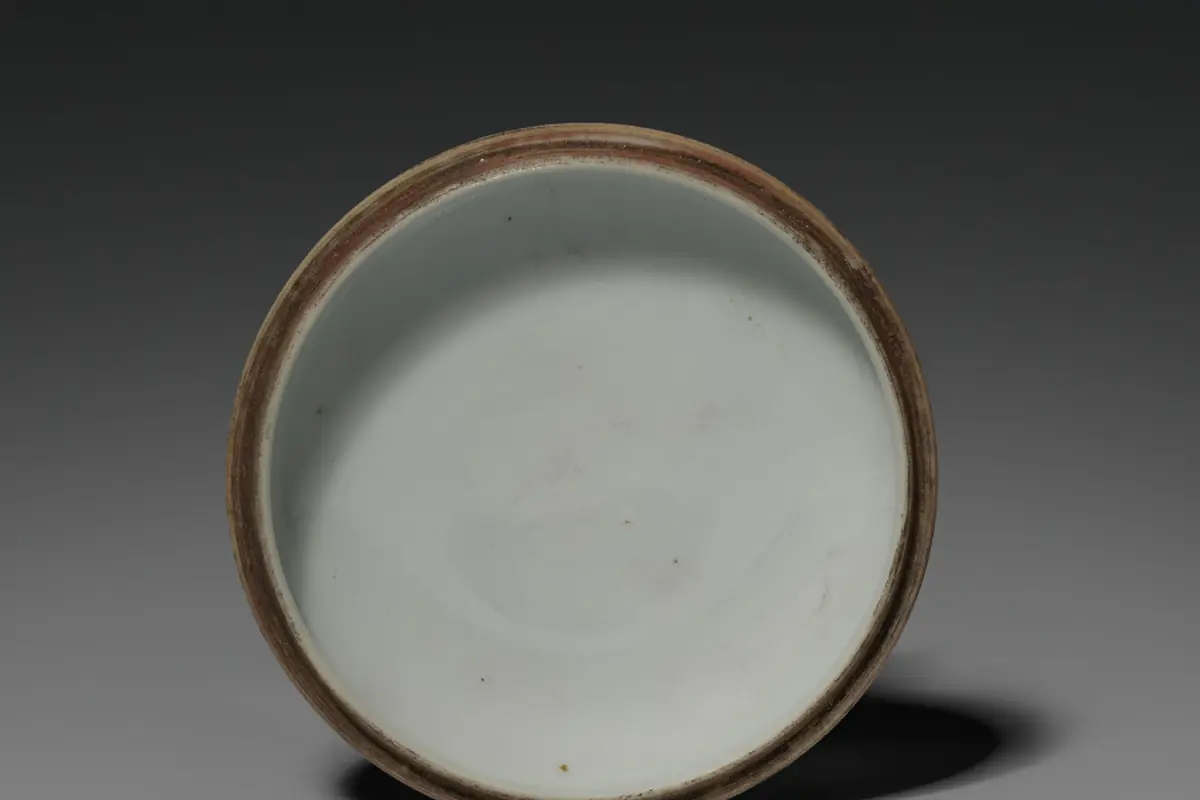
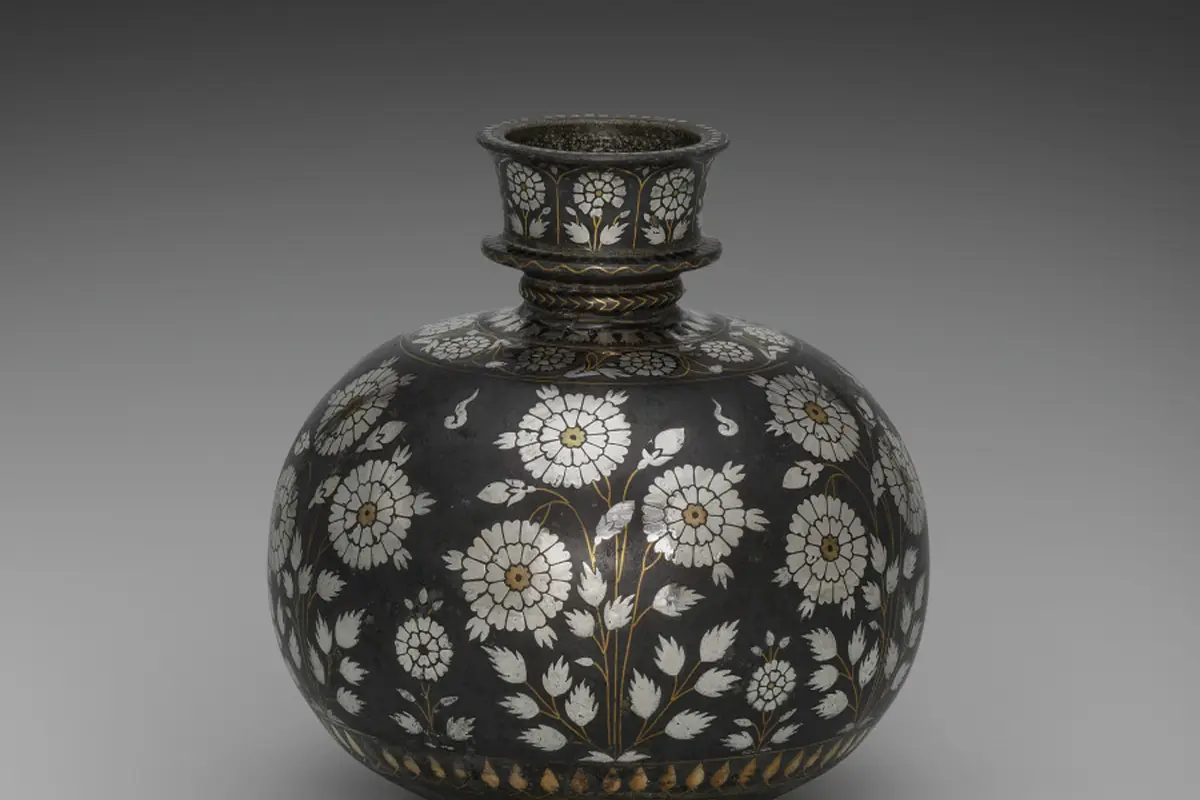
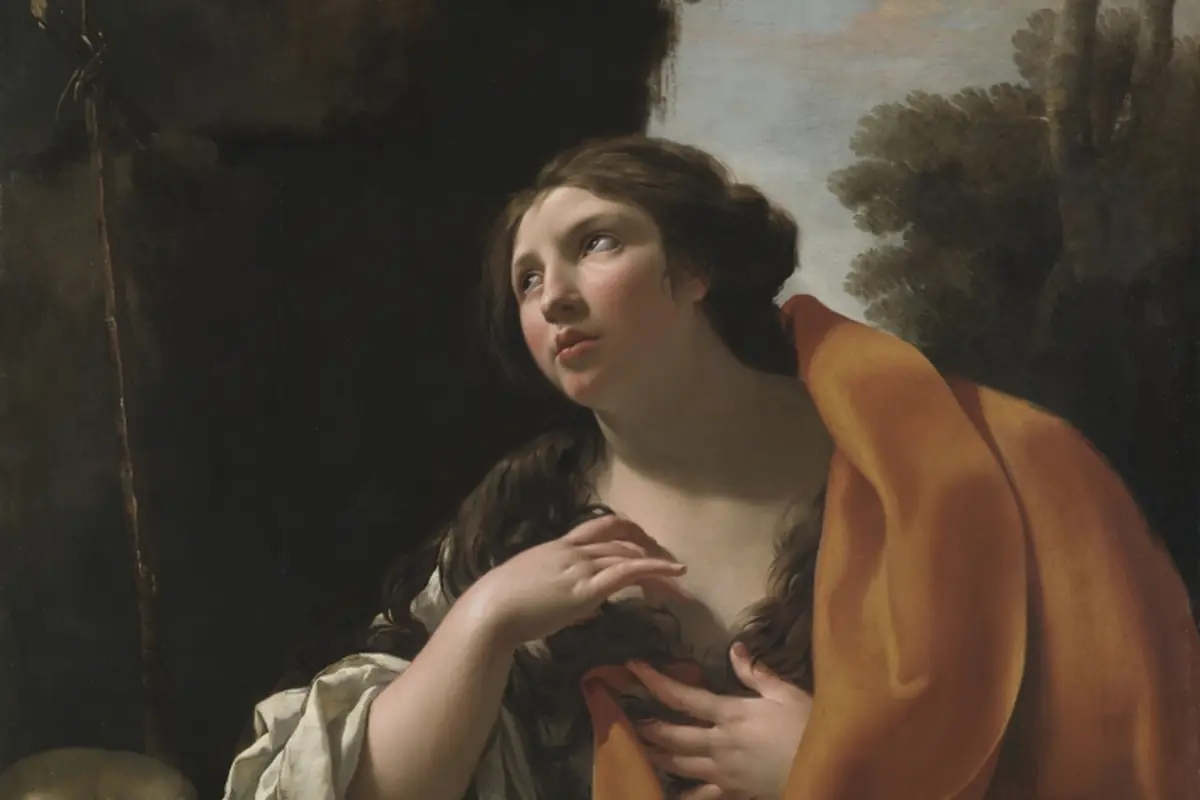
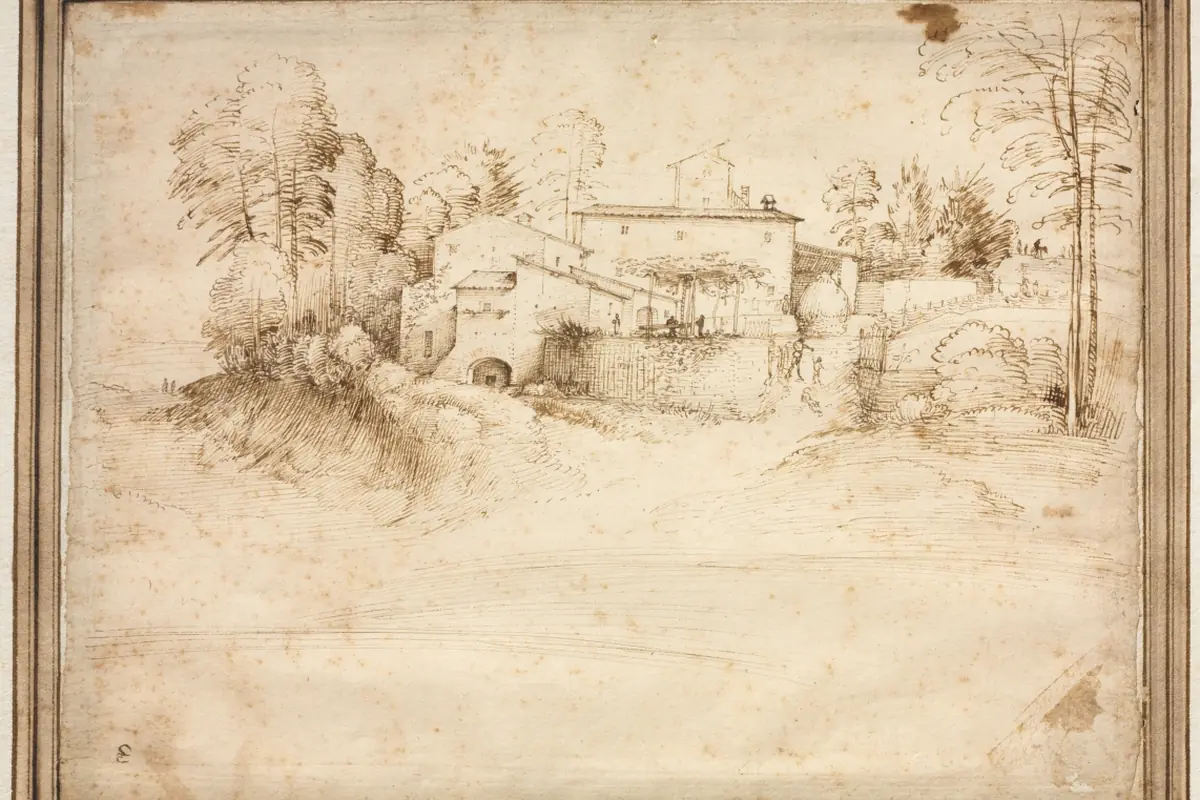
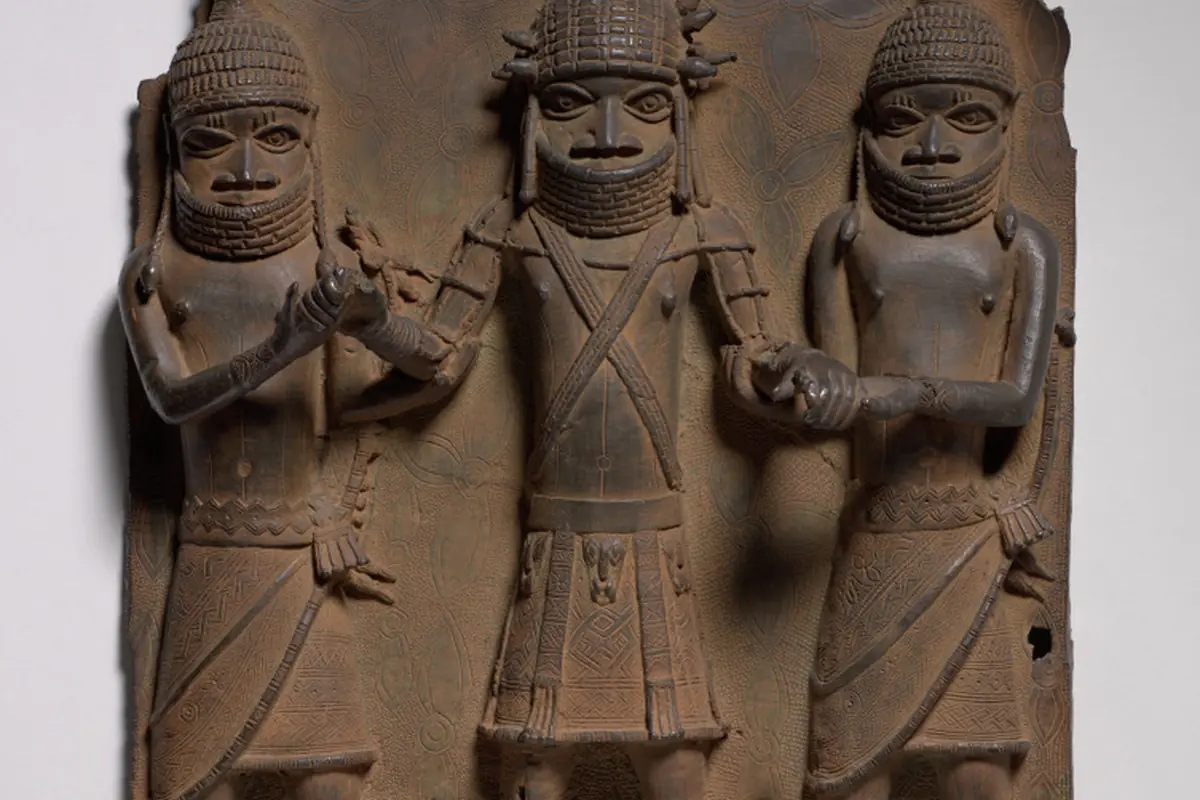
Photograph the work from the front, flat, in even light, without glare. Frame the whole work against a neutral background. For a sculpture, take several angles: front, side, back. For an object, add a characteristic detail: signature, mark, break.
JPEG, PNG and HEIC formats are accepted, up to twenty megabytes. A high-definition photograph improves reliability, but the system tolerates imperfect images, such as a screenshot of a listing or a photo taken at an angle.
Reading the results
Results are ranked by similarity score. Above eighty per cent, the resemblance is strong and calls for immediate verification. Between sixty and eighty, the record may correspond to a neighbouring work by the same artist or workshop.
Below sixty, the results are informative. In every case, compare the details: dimensions, signature, restorations, condition. If you are unsure, contact the BIOP unit, attaching the photographs.
What artificial intelligence does not replace
The visual fingerprint is an aid: a BIOP unit analyst examines any strong match before a conclusion is drawn. Possible errors — false match, false negative — are documented and monitored monthly.
Users are encouraged to report discrepancies, in order to improve the algorithm. The database's supervisory committee examines each year the quality of results and the fairness of treatment.
Interpreting the score
| Score | Reading | Action |
|---|---|---|
| Over 80% | Strong resemblance | Check and contact the unit |
| 60 to 80% | Partial resemblance | Compare the details |
| Under 60% | Weak resemblance | Indicative result |
Landmarks
- Prototype
Test on 5,000 records.
- Entry into service
All accesses.
- Improvement
Tolerance to cropping.
- 3D objects
Several angles.
Respect image rights
One photo or several
One photo
Front view- Quick
- Sufficient for a painting
- Risk for a sculpture
First test.
Several photos
Front, side, details- More reliable for an object
- A little longer
- Recommended above €10,000
Safest option.
Run an image search
- Photograph
Take a sharp image.
- Send
Upload the file.
- Wait
A few seconds.
- Compare
Examine the nearby records.
- Conclude
Decide or contact the unit.
Shooting advice
A police superintendent
« Image is a universal language. An officer who does not speak the language of the record still recognises the work. »
Vocabulary of images
- Visual fingerprint
- Digital signature of an image.
- Similarity score
- Percentage of resemblance.
- Framing
- Delimitation of the part photographed.
- Compression
- Reduction of a file's size.
Frequently asked questions
Is my image kept?
No, unless you save it in your record.
Which formats?
JPEG, PNG and HEIC up to 20 MB.
Does it work for a 3D object?
With several photographs, yes.
What to do with a high score?
Contact the BIOP unit: see Report a suspect work.
Useful documents
Contacts
Related pages
 Search for a workThree ways to query the BIOP database: simple search, advanced search and image search, to check a work in a few minutes.›
 Advanced search in the BIOPCombine period, technique, dimensions, country and record status to find a work of which you know only a few details.›
 Report a workDeclaring a theft, a loss or a suspect work: three procedures, a single aim, finding the work quickly.›
Report a work
Image credits (16)
- Saint Jerome and the Lion (From the former Church of St. Peter in Erfurt), Tilman Riemenschneider (c. 1495) — Cleveland Museum of Art, CC0 1.0
- Scenes of Witchcraft: Day, Salvator Rosa (c. 1645–49) — Cleveland Museum of Art, CC0 1.0
- Lace Towel End (c. 1700s–1800s) — Cleveland Museum of Art, CC0 1.0
- Seal Color Box (1662–1722) — Cleveland Museum of Art, CC0 1.0
- Bidri Hookah Bowl with Roses (c. 1650s) — Cleveland Museum of Art, CC0 1.0
- Saint Mary Magdalen, Simon Vouet (c. 1630) — Cleveland Museum of Art, CC0 1.0
- Farmhouse on the Slope of a Hill, Fra Bartolommeo (c. 1508) — Cleveland Museum of Art, CC0 1.0
- Plaque (1500s–1600s) — Cleveland Museum of Art, CC0 1.0
- Gathering among the Members of Office Censor-General (1700s) — Cleveland Museum of Art, CC0 1.0
- Banks of the Oise at Dawn, Louis Hayet (1888) — Cleveland Museum of Art, CC0 1.0
- Portrait of a Man, Gustave Caillebotte (1880) — Cleveland Museum of Art, CC0 1.0
- Temple of Ramesses II, Abu Simbel, Antonio Beato (c. 1860s) — Cleveland Museum of Art, CC0 1.0
- Twilight in the Wilderness, Frederic Edwin Church (1860) — Cleveland Museum of Art, CC0 1.0
- Side Drawer for Cabinet, André-Charles Boulle (c. 1690) — Cleveland Museum of Art, CC0 1.0
- Chemin de fer de Toulouse à Bayonne. Pont de l'Aran (en trois arches de 17m d'ouverture chacune). Situation des travaux au 21 juillet 1861, Édouard Baldus (1861) — Cleveland Museum of Art, CC0 1.0
- The Four Seasons, Kano Tan’yū (1668) — Cleveland Museum of Art, CC0 1.0